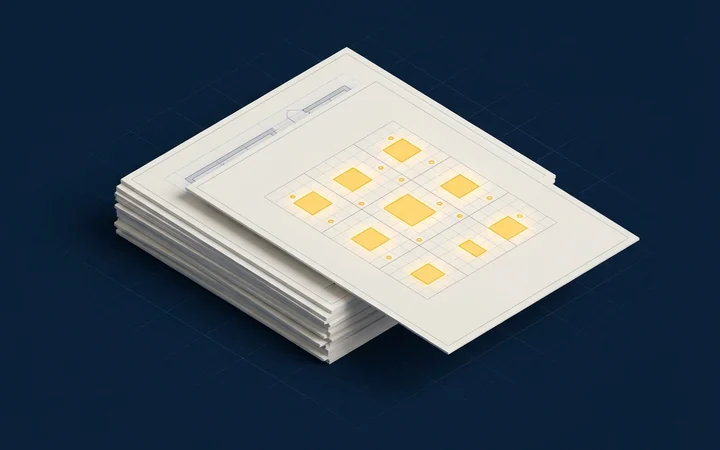
Finds the lighting plans
Every sheet in the set is scanned and the lighting plans are picked out for you. No paging through architectural and mechanical sheets.
Lighting estimating for electrical contractors
Upload the set and get the whole lighting bid back: fixtures, exit signs and controls counted by type, every sheet double-checked, the wiring traced, and the job priced from your own price list, right through to the proposal.
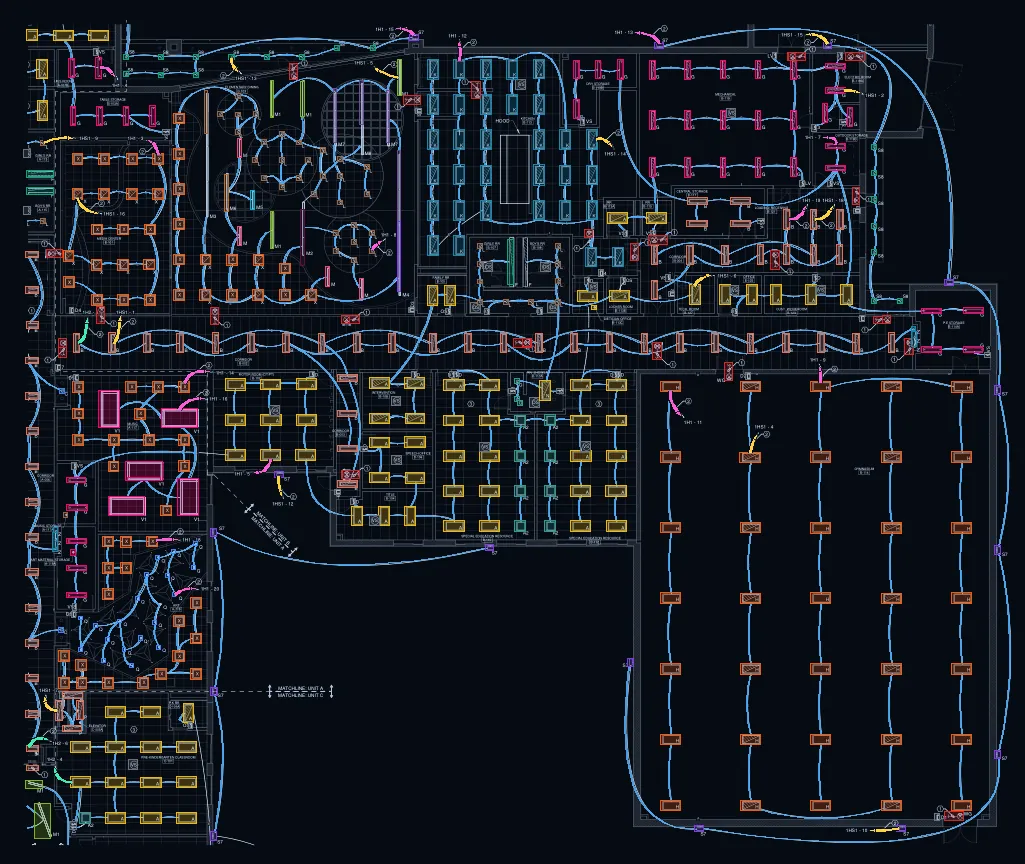
Drag to orbit, right-drag or two fingers to pan, scroll or pinch to zoom, click a fixture to select its type. Keys: arrows, + and -, R to reset, Esc when done.
437 branch runs traced · 3,721.9 ft branch conduit
32 home runs to 3 panels: 1H1 15 1HS1 14 1H2 3
Review layer
Replay of a real run on a public bid drawing: quick pass 19 s, wiring trace 5 s on our servers. The same 3D view is in the app.
Every number above comes from the replay: one run on sheet E-101-B of a public bid set.
One tool, drawing set to bid
No more bouncing between a PDF viewer, a count tool, a spreadsheet and an estimating program. InstantTakeoff takes the lighting from the drawing set to the proposal in one place, so you bid faster and catch the misses before they cost you.
One upload
Drop in the whole set. InstantTakeoff finds the lighting plans, counts and checks them, traces the wiring and prices the job your way.
Every sheet in the set is scanned and the lighting plans are picked out for you. No paging through architectural and mechanical sheets.

Light fixtures, exit signs and lighting controls, wall switches included. Each fixture is typed from its tag and your fixture schedule.
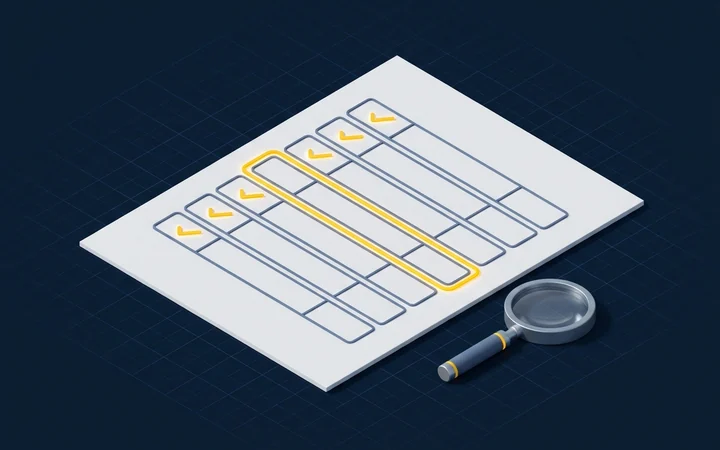
When a type's tags on the sheet don't line up with the counted fixtures, the review layer flags it before it turns into a missed line.

Every count is a box on the sheet. Add, remove or retype one, then find every symbol like it. Totals update as you go.
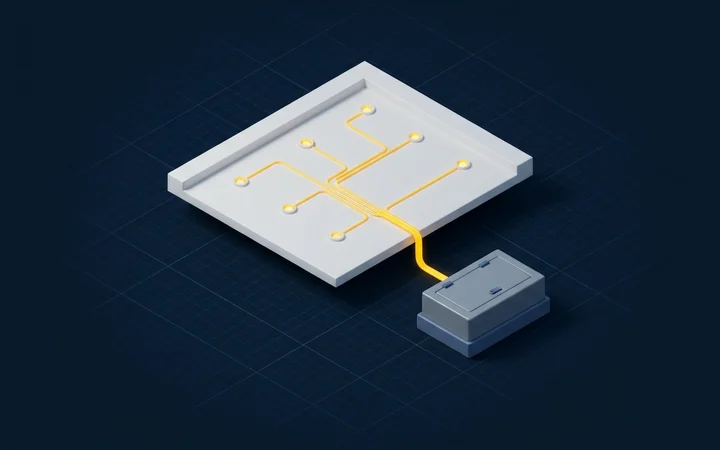
Branch circuits and home runs traced from drawn circuit lines or circuit tags, estimated when neither is readable. Conduit and wire footage go straight into the estimate.

Import your distributor's price list from Excel or CSV. Every fixture type is matched by catalog number, then description; confirm once and the match is remembered for your next bid.

Material, labor, sales tax, overhead, contingency and profit roll up into the bid summary. The proposal carries your logo, scope, inclusions, exclusions and alternates, as a PDF or Word file.

Excel or CSV, the API, or your AI assistant through the MCP connector.
Built AI-first
A computer vision model does the counting, a review layer double-checks each sheet, and the results flow into the tools you already use.
An AI-powered computer vision model counts fixtures, exit signs and controls. It keeps improving, checked against a held-out test set.
Connect Claude, ChatGPT or any AI assistant that supports MCP: send a drawing set and get the counts, the review status and the estimate back.
Ask for a feature and it often ships the same day.
Free, on your own drawing
Drop one lighting plan sheet and watch it get counted: your sheet with every counted box drawn on it, counts by type, and the checks the review layer ran. No signup. No card.
Sheets you upload may be used to improve our model. Privacy policy
Reading your sheet
Uploading...
One quick check: tick the box below to start.
Results right here on screen: your sheet with each counted box drawn on it, and the counts by type. No signup. No card.
Review layer
Draft demo: the sheet endpoint is not connected. Each line shows what will be read from your sheet; nothing here is a real result.
Counts for your sheet
Illustrative layout, not real results. When the sheet endpoint is connected, your own sheet and counts appear here.
Your counted sheet
Your sheet with each counted box drawn on it, colored by type
Some types need a closer look
This free sheet shows the quick pass and the checks the review layer ran on it. In your projects, a second review pass double-checks each sheet, starting with flagged types like these, before you get the final counts.
Review pass done: no types need a closer look on this sheet.
Thanks, we'll email you.
| Type | Description | Count |
|---|---|---|
| Counts by type appear here when your sheet is done. | ||
Your result link expires after 24 hours.
Fixtures, exit signs and controls by type, on screen. Excel or CSV to download, or by email if you want it.
How it works
A PDF of the full drawing set or just the electrical sheets.
Every counted fixture, exit sign and control is a box on the sheet, and the review layer has already double-checked each sheet.
Your price list, vendor quotes and labor units price the counts. Review the bid summary and download the proposal as a PDF or Word file.
Accuracy you can check
Sheets kept out of training measure each version before it ships. Every count is a box on the drawing, so a spot-check takes seconds, and in your projects a review layer double-checks each sheet with a second review pass.
How we measurePricing
$300 per seat per month, billed monthly.
$3,000 per seat per year, billed annually.
Every seat gets the whole tool: takeoff, review layer, wiring, price list and quotes, estimate, bid summary, proposals, exports, the API and the MCP connector.
Light fixtures by type, exit signs, and lighting controls, including wall switches. You get counts per sheet and totals for the whole set.
It reads the tag next to each fixture and matches it to the fixture schedule in your set. Types come from your schedule, not from a fixed list, so your project's types are used as written. If the set has no readable schedule, it uses the type tags written on the plan.
Yes. Each count is a box on the sheet in the browser app. Add a missed fixture, remove a wrong one, or change its type, and the totals follow.
Yes, through the InstantTakeoff MCP connector. AI assistants and agents that support MCP, such as Claude and ChatGPT, can send a drawing set and get the counts, the review status and the estimate back. See built AI-first.
Yes. No signup, no card and no sales call. You see the results on screen, on your own sheet, with the counts by type for fixtures, exit signs and controls. Leaving your email is optional: it is used to send you the Excel or CSV of that sheet, or to follow up when you ask for the review pass on it.