How long it takes
The sheet in our replay, 450 fixtures on one dense school floor, took 19 seconds on our servers from upload to counted, checked and drawn. Sets run sheet by sheet.
How it works
Upload the PDF. InstantTakeoff counts the lighting, checks it against the fixture schedule, double-checks each sheet and builds the estimate. You confirm it and bid.
A PDF of the full set or just the electrical sheets. Vector PDFs exported from design software give the best results. Scanned sheets can be counted too.
Each sheet in the set is scanned and the lighting plans are pulled out. The fixture schedule is read for types and descriptions.
An AI-powered computer vision model finds the symbols on each lighting plan: light fixtures, exit signs and lighting controls, including wall switches. Each fixture is typed from its tag, matched to the schedule.
Title blocks, engineer seals and demolition views are left out so they do not inflate the count.
Counts are reconciled with the schedule. A type whose tags on the sheet have too few counted fixtures beside them is flagged for a closer look, so it gets fixed before it becomes a missed line on the bid. If the set has no readable schedule, the type tags written on the plan are used.
In your projects, a review layer then double-checks each sheet with a second review pass, starting with flagged types, before you get the final counts.
Branch circuits and home runs are traced from the circuit lines drawn on the plan, or built from circuit tags such as L-5. When neither is readable, wiring is estimated. Fix or draw runs by hand, and the conduit and wire footage flow into the estimate.
Import your distributor's price list from Excel or CSV. Every fixture type is matched to it by catalog number, then by description; confirm once and the match is remembered. Attach vendor quotes for the big-ticket types, set your labor units and rates, and build assemblies: a fixture with its whip, box, connectors and supports, priced as one unit and picked up by every counted fixture of that type. The estimate fills in material, labor, sales tax, overhead, contingency and profit, with a clear list of anything still unpriced. The bid summary and a proposal with your logo, scope, inclusions, exclusions and alternates follow, as a PDF or Word file.
Each count is a box on the sheet. Add a missed fixture, remove a wrong one or change its type, and the totals follow. Find every symbol like one you picked in a click. Your team can work the same set at the same time: you see who else has a sheet or the estimate open, their changes appear on your screen as they save, and if two people change the same thing, you choose which change to keep, so nobody's work is overwritten. When it looks right, take the data in Excel or CSV, through the API, or into your AI assistant with the MCP connector; see built AI-first.
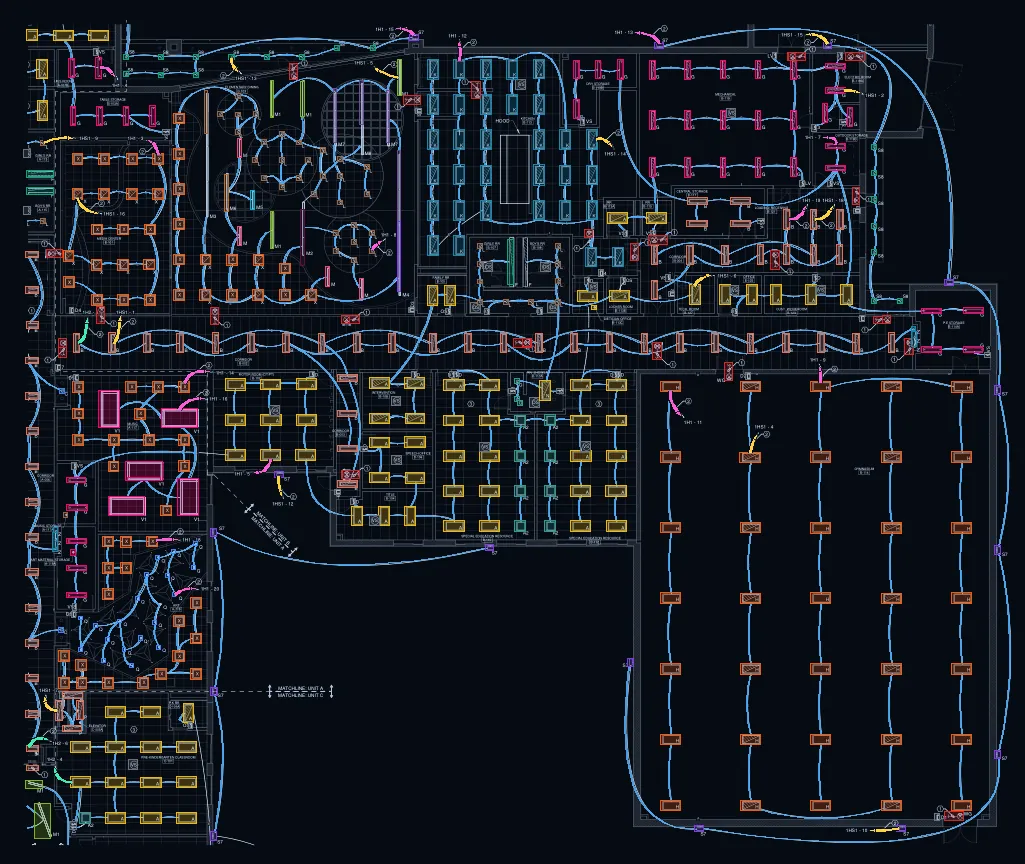
The sheet in our replay, 450 fixtures on one dense school floor, took 19 seconds on our servers from upload to counted, checked and drawn. Sets run sheet by sheet.
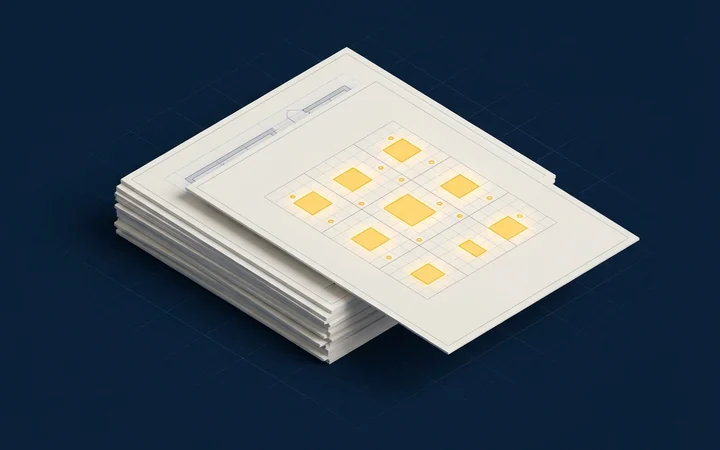
Vector PDFs from design software, readable fixture tags, and a fixture schedule in the set. Scanned sheets can be counted, with wiring estimated.
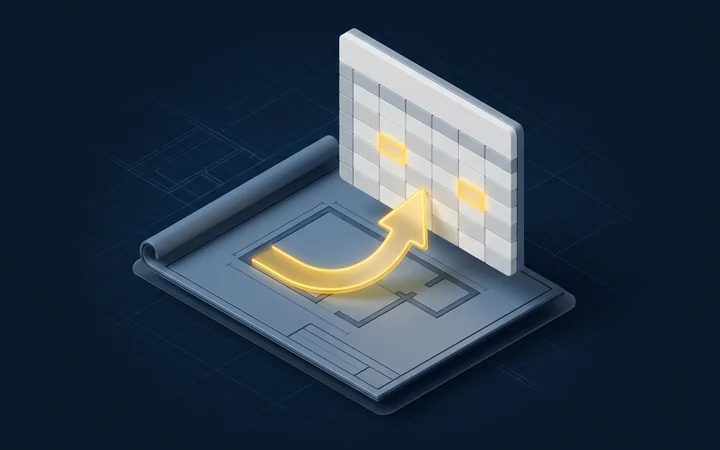
The proposal as a PDF or Word file, the bid summary, and Excel or CSV with the priced estimate and a bid summary sheet, also through the API and the MCP connector.