Vector or scanned
Vector PDFs exported from design software give the cleanest results. Scanned sheets can be counted, and wiring on them is estimated rather than traced.
Accuracy
How we measure it, what the review layer checks on every sheet, and what affects results on your drawings.
The held-out test set is a group of drawing sheets kept out of training. Each model version is scored on the same sheets, so results compare release to release. A new version replaces the current one when it does better on the held-out set.
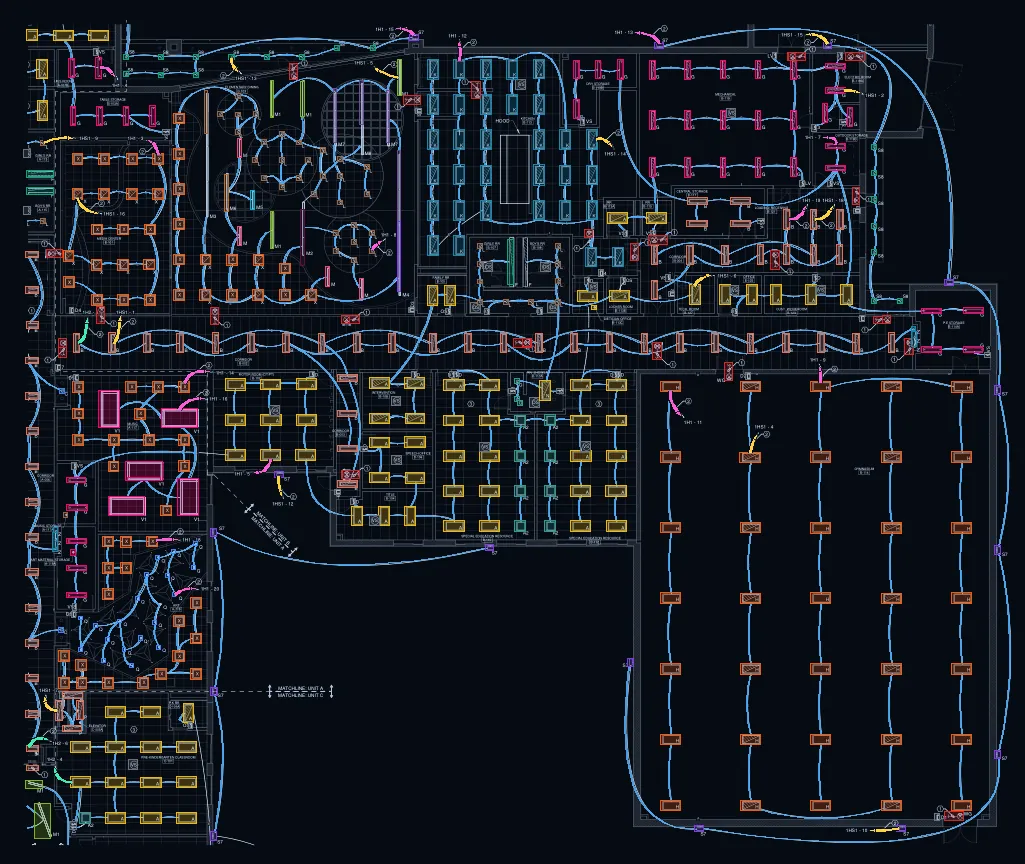
In your projects, a review layer also double-checks each sheet with a second review pass before you get the final counts. The free sheet tool shows the quick pass and the checks the review layer runs on that sheet, with types that need a closer look flagged.
After the quick pass, the review pass checks each type's tags on the sheet against the counted fixtures, and flags any type that needs a closer look. On sheet E-101-B in the replay on the home page, 459 of 466 type tags matched a counted fixture and no type needed a closer look. In your projects, flagged types go through a second review pass before you get the final counts.
Vector PDFs exported from design software give the cleanest results. Scanned sheets can be counted, and wiring on them is estimated rather than traced.
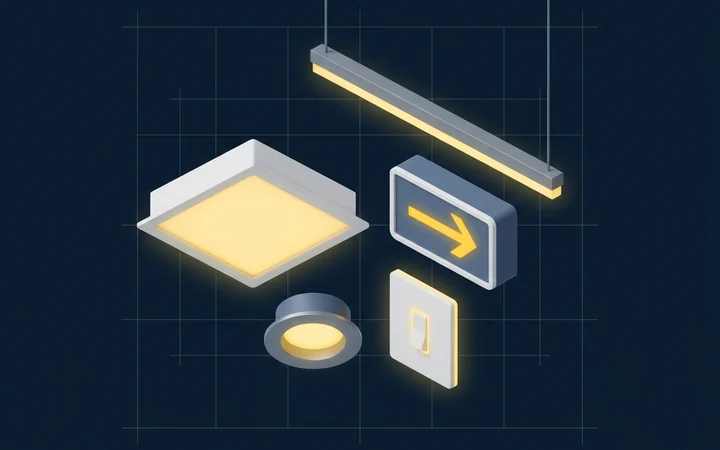
Firms draw symbols differently. Styles unlike the drawings the model has learned from are harder, and results on them improve as the model does.
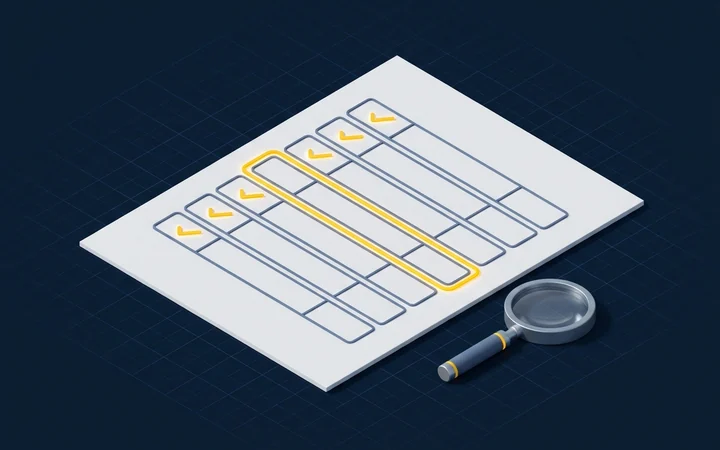
Fixture types come from tags and the fixture schedule. When tags or the schedule are hard to read, typing is harder too.
You never have to take a count on faith. Each count is a box on the sheet, and types whose tags have too few counted fixtures beside them are flagged, so you know where to look.